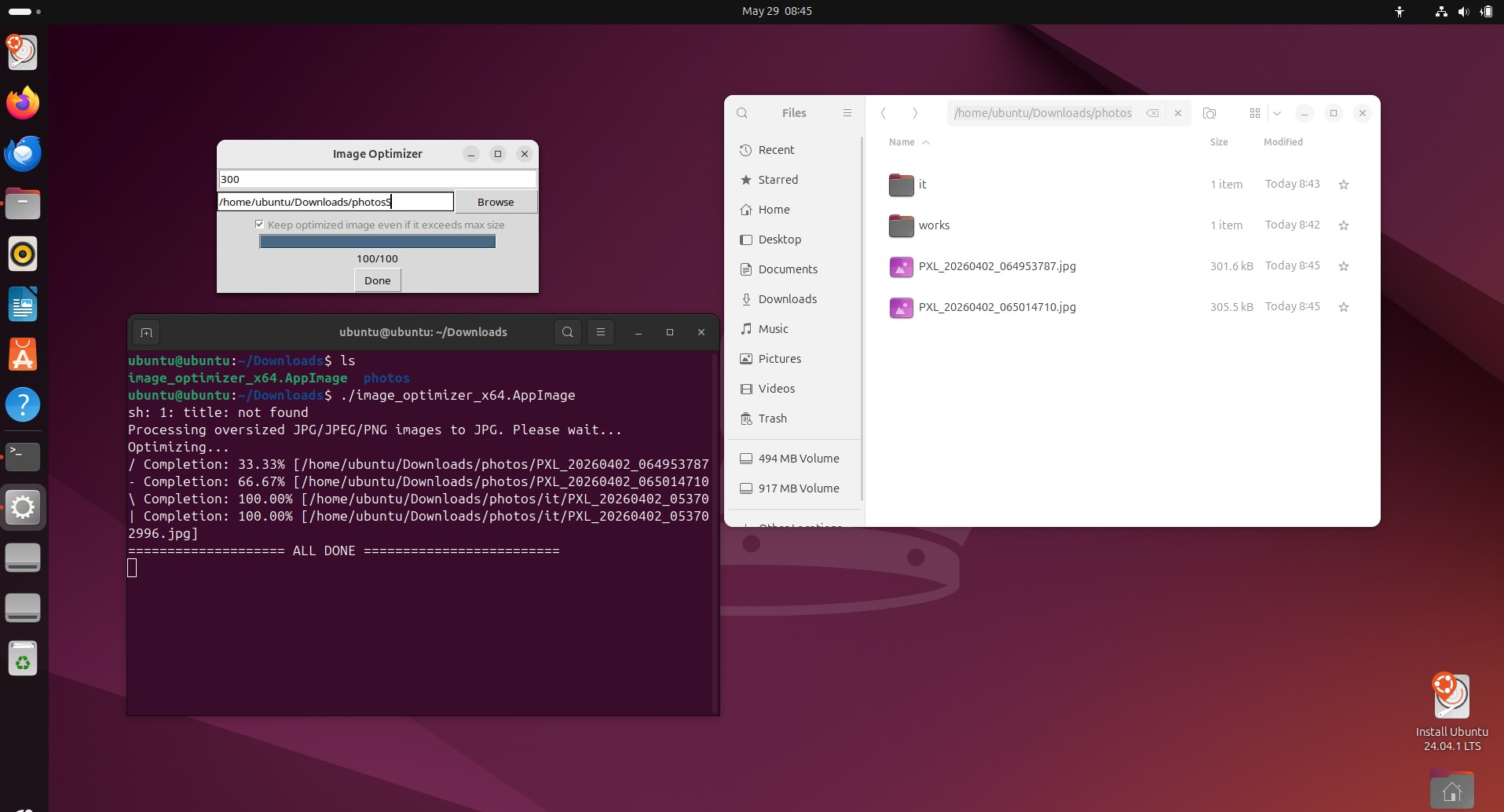
Images Optimizer
Batch compress images to target size (KBs) with best quality
Check back soon!

Videos Optimizer
Batch compress videos to target size (KBs) with best quality
Check back soon!
Compress 500 GB of photos & videos into a 64 GB USB — best quality, original, free (ver 3.3.3)
Batch compress images to target size (KBs) with best quality
Check back soon!
Batch compress videos to target size (KBs) with best quality
Check back soon!
Q: [Windows] What to do if “Unauthorized changes blocked” notification appears?
A: The apps needs access to the folder they are trying to modify. Go to Settings > Allowed Apps > Add an allowed app > Optimizer Apps.exe 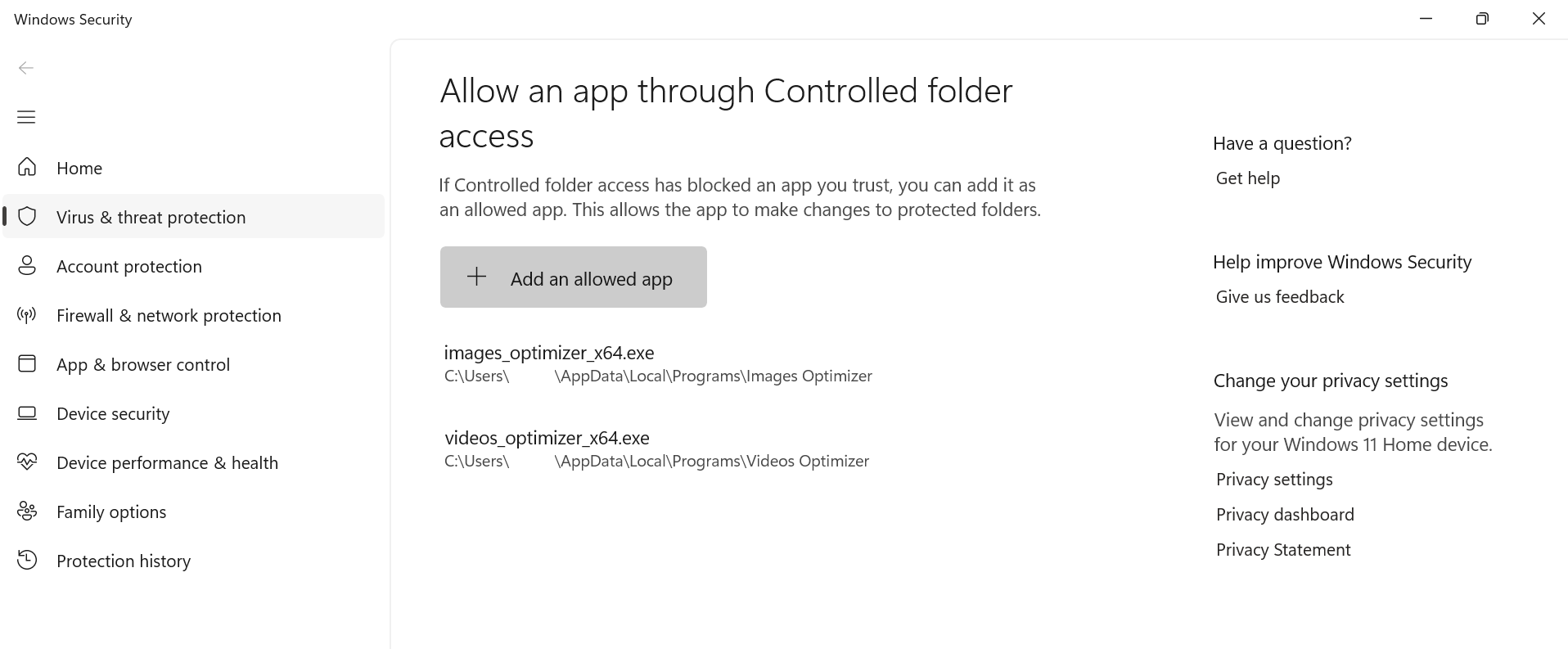
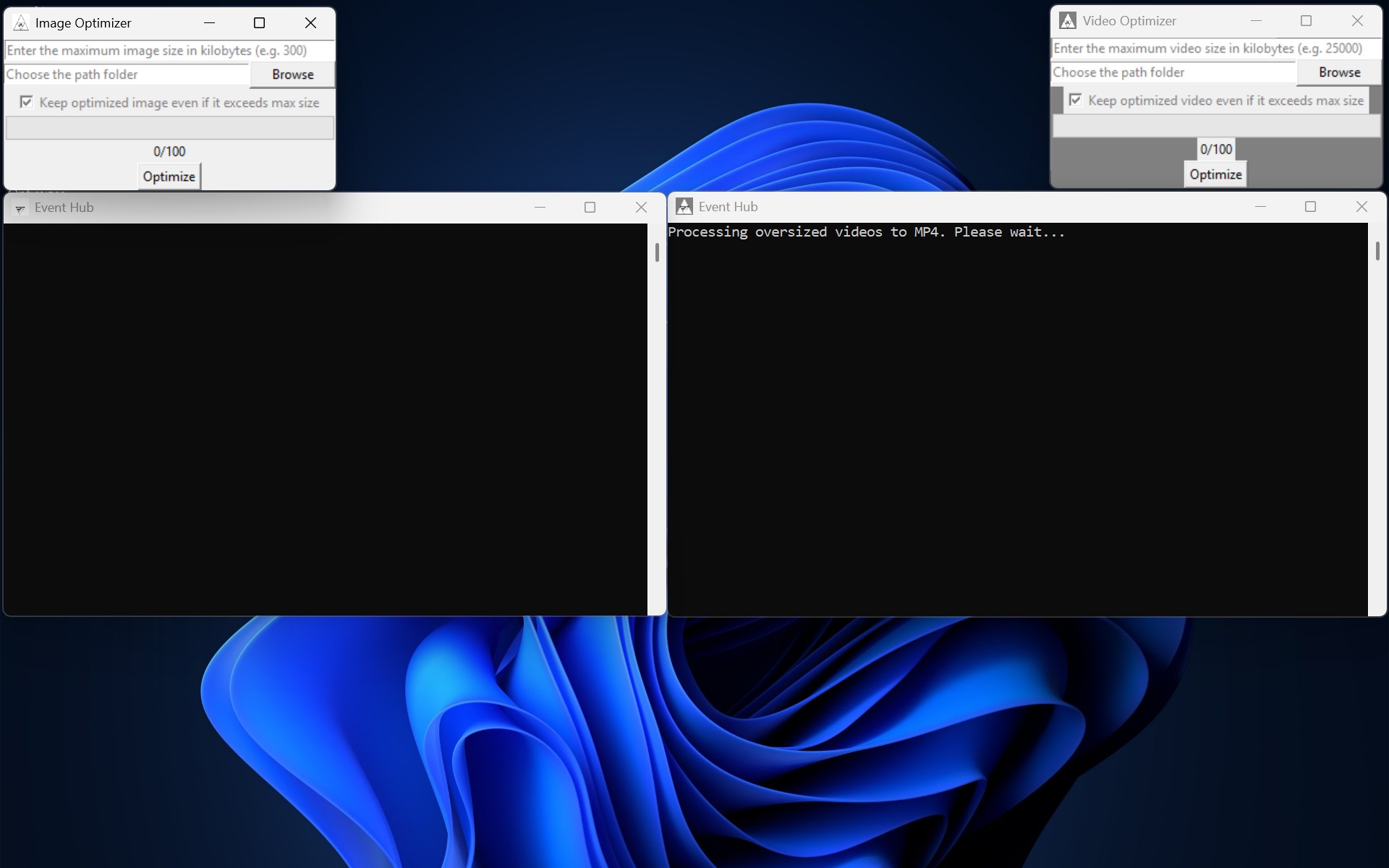
Q: [MacOS] What to do if "blocked from use because it is not from an identified developer" notification appears?
A: The apps needs your approval. Go to System Preferences > Security & Privacy > Security > Open Anyway
Q: [MacOS] Why is there no Images Optimizer for the Mac?
A: Images Optimizer is available on Windows and Linux. A Mac version is coming soon. In the meantime, enjoy Videos Optimizer. 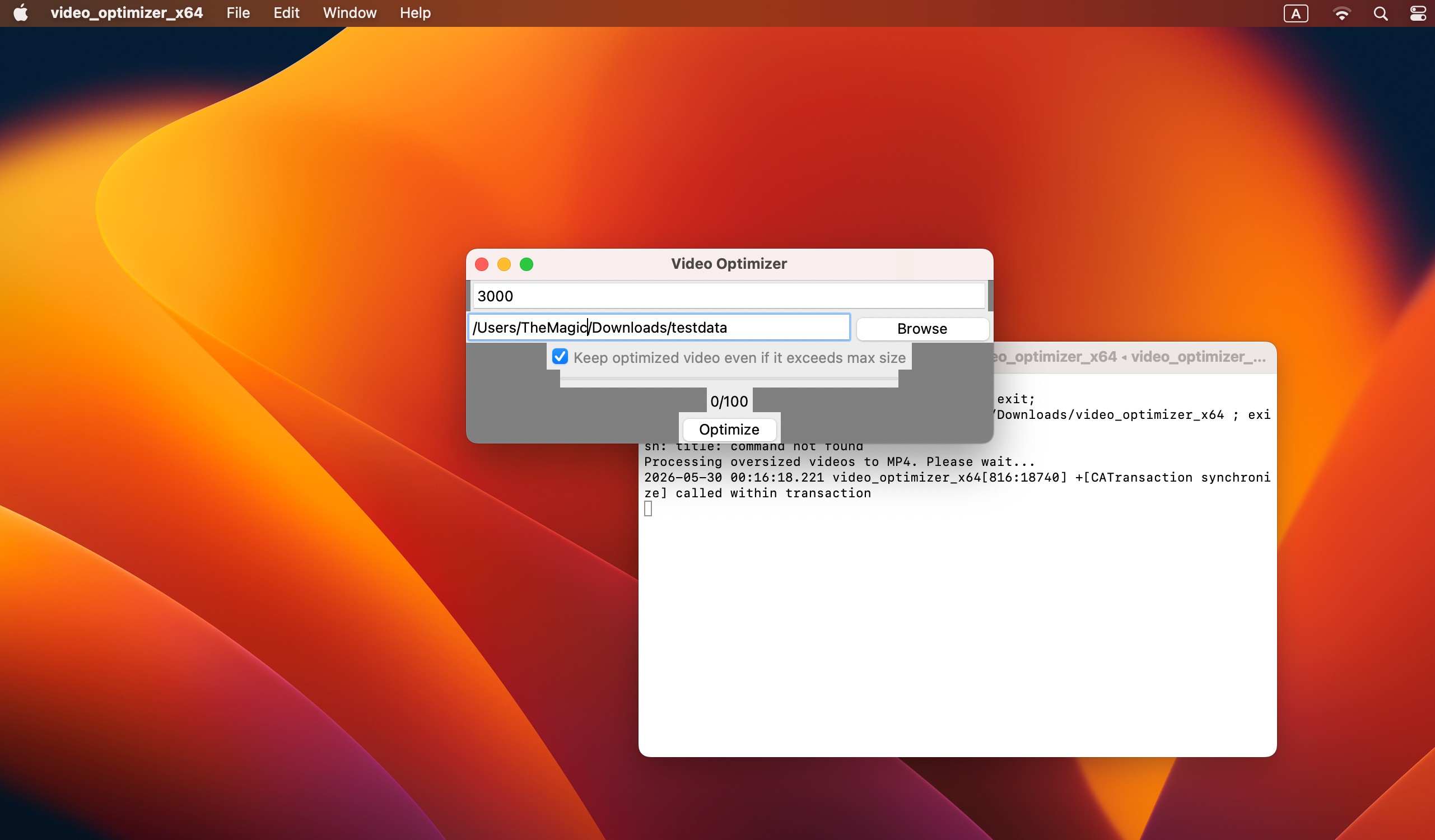
Q: [Linux] Why is there no Videos Optimizer for Linux?
A: Videos Optimizer is available on Windows and Mac. A Linux version is coming soon. In the meantime, enjoy Images Optimizer.